Staying focused while using a smartphone can be difficult. Notifications, social media, short videos, websites, and other online distractions can quickly turn a short break into hours of unplanned screen time. The problem becomes even harder when unwanted adult content appears alongside normal online activities.
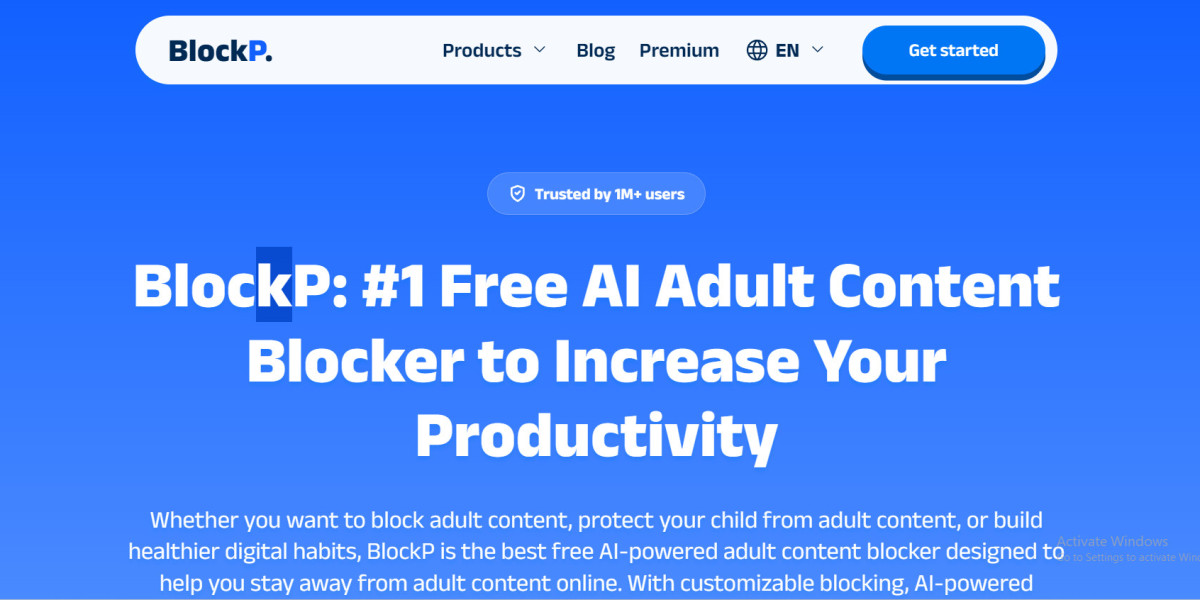
An Adult content blocker and focus/productivity setup can help create a more controlled digital environment by combining content restrictions with tools designed to reduce distractions. BlockP takes this approach by combining adult-content filtering with features such as Focus Mode, app blocking, website blocking, and customizable restrictions.
Why Blocking Adult Content Can Help With Focus
When you are constantly exposed to distracting or unwanted content, it becomes easier to move away from the task you originally intended to complete.
For example, you may open your phone to answer an email but then move to social media, click a recommended video, browse another website, and eventually spend much more time online than planned.
Blocking certain websites, apps, keywords, and content can add friction between an impulse and an action. Instead of relying entirely on willpower, you can use technology to create boundaries around your digital environment.
How BlockP Combines Content Blocking and Focus
BlockP is designed to go beyond simply blocking individual websites.
Its Android app includes app blocking, website blocking, keyword restrictions, and Focus Mode. Users can create restrictions based on the apps and websites they want to avoid while keeping important apps accessible.
This makes it possible to build a setup around your daily routine rather than using the same restrictions all day.
For example:
Study hours can restrict social media and distracting apps.
Work hours can limit unnecessary browsing.
Bedtime can reduce access to distracting applications.
Adult-content restrictions can remain active alongside focus sessions.
What Is BlockP Focus Mode?
BlockP Focus Mode is designed to create dedicated periods where distracting apps can be restricted.
There are two main options: Quick Focus and Schedule Focus.
Quick Focus is useful when you need immediate control. You can choose a period ranging from a short session to several hours and select which apps should remain available.
Schedule Focus is designed for recurring routines. You can create a schedule for particular days and times and select the apps you need during that period. BlockP also allows adult-content blocking to be included in scheduled focus sessions.
Example: Creating a Study Session
Imagine you want to study from 7 PM to 9 PM.
Instead of depending on yourself to ignore every notification, you can create a scheduled Focus session.
Your allowed apps could include:
Calculator
Google Drive
Gmail
Notes
Educational apps
Browser for research
At the same time, distracting apps can remain restricted during the session.
This creates a simpler digital environment where your phone is still useful but has fewer opportunities to interrupt your concentration.
Quick Focus for Unexpected Distractions
Not every distraction happens according to a schedule.
Sometimes you suddenly realize that you have been scrolling for 30 minutes when you originally intended to work.
This is where Quick Focus can be useful. BlockP allows you to activate a focus session immediately and select the apps that should remain available. You can also use its Do Not Disturb option to reduce notifications during the session.
The idea is simple: instead of negotiating with yourself every few minutes, create a temporary boundary and return to your task.
You Don't Have to Block Your Entire Phone
One advantage of customizable blocking is that you do not necessarily have to stop using your phone completely.
You may still need WhatsApp for communication, Gmail for work, Google Maps for travel, or a browser for research.
BlockP's app-blocking system allows users to select individual apps rather than treating the entire device as a distraction. It also supports combining app restrictions with website and keyword restrictions.
This makes the system more practical for everyday use.
Build a Digital Routine Instead of Relying Only on Willpower
A productivity system works better when it becomes part of your routine.
You can create different focus periods for different parts of the day:
Morning: Work or study focus.
Afternoon: Limited social-media access.
Evening: Personal time with fewer unnecessary restrictions.
Night: Stronger restrictions to reduce unplanned browsing.
The goal is not to eliminate technology. It is to make your technology use more intentional.
Who Can Benefit From This Setup?
BlockP's combination of content blocking and Focus Mode can be useful for:
Students preparing for exams
Professionals working from home
Freelancers working on deadlines
Creators who need uninterrupted work sessions
Parents managing children's device use
People trying to reduce unwanted online content
Anyone who wants better control over screen time
Because BlockP supports customizable app and website restrictions, the setup can be adjusted according to individual needs.
Final Thoughts
Better digital habits are easier to maintain when your environment supports them. Rather than depending entirely on self-control, you can use scheduled restrictions, app blocking, website filtering, and focus sessions to reduce unnecessary interruptions.
For people who want to protect their attention while also reducing exposure to unwanted content, an Adult content blocker and focus/productivity approach can provide a more structured way to use smartphones and other digital devices.