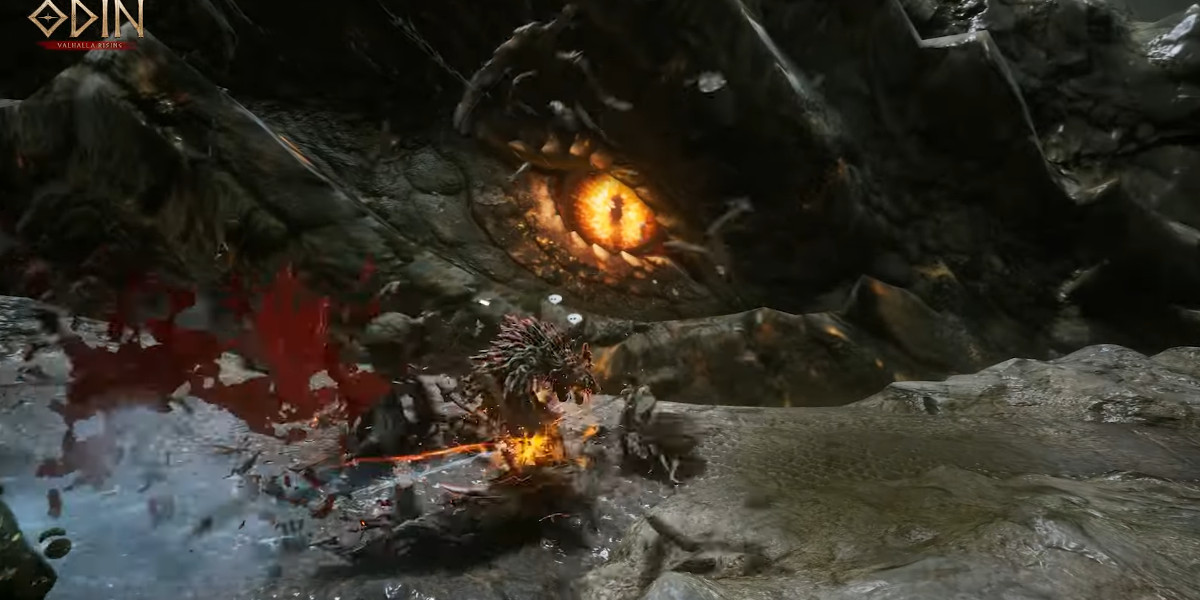
In Odin: Valhalla Rising, combat is not limited to open-world skirmishes, dungeon encounters, or large-scale cooperative raids. For players who want to test their builds, reflexes, and decision-making against other Heroes without the risks associated with open PK systems, the Arena provides a dedicated competitive environment. The Arena is a structured combat space where players can challenge one another freely, experiment with strategies, and engage in intense PvP battles without penalty.
Set within the war-scarred Vigrid Field—a once peaceful land now torn apart by conflict—the Arena brings together Heroes from across Midgard to fight under customizable rulesets. Whether you prefer tight 1v1 duels, coordinated team battles, or large faction-style clashes, the Arena system offers flexibility, control, and accessibility for all types of PvP players.
This guide breaks down everything you need to know about the Arena in Odin Diamonds, from accessing the mode and creating custom rooms to managing teams, starting battles, and exiting safely.
What Is the Arena?
The Arena is a PvP combat zone designed specifically for competitive play without PK penalties. Unlike open-world PvP, defeats in the Arena do not carry lasting consequences, making it an ideal environment for practice, experimentation, and high-intensity fights.
Players can participate in various battle formats, including:
1v1 duels for skill testing and build comparison
Team-based battles involving multiple players per side
Faction-style fights where coordination and numbers play a major role
All Arena battles take place in the Vigrid Field, a symbolic location where peace has been shattered, reflecting the constant struggle between Heroes striving for dominance.
Accessing the Arena
Entering the Arena is straightforward and can be done at almost any time.
How to Open the Arena Menu
Tap the menu icon (☰) in the top-right corner of the screen.
Select Arena from the available options.
This opens the Arena tab, where you can choose between available PvP modes.
Available Arena Modes
Within the Arena menu, players can access:
Arena – Custom PvP rooms with adjustable rules
Battle of Valhalla – A separate competitive mode with its own structure and rewards
This guide focuses on the standard Arena system, which emphasizes player-created rooms and flexible match conditions.
Arena Lobby Overview
The Arena Lobby is the heart of the Arena experience. This is where players browse existing rooms, create their own custom matches, or spectate ongoing battles.
Creating an Arena Room
In the Arena Lobby, players can create a room with personalized rules and access settings. When creating a room, you’ll configure the following options:
1. Arena Name
You can assign a custom name to your Arena room. This name is visible to other players and can be used to indicate the type of match, such as “1v1 Duels,” “Practice PvP,” or “High CP Teams.”
2. Combat Power Limit
The combat power limit allows the host to restrict entry based on combat power. This ensures fairer matches by preventing heavily geared players from overwhelming weaker participants—or by intentionally allowing only high-level competition.
3. Number of Players
Set the maximum number of players who can enter the Arena. This determines how large the battle can be and helps control pacing and chaos.
4. Password
By setting a password, you can restrict access to invited players only. This is ideal for guild scrims, friendly duels, or organized tournaments.
5. Arena Details
The Arena details panel shows information about each room, including whether players can join or spectate. If the “Join” button is unavailable, players cannot participate in that room.
6. Create
Once all options are configured, tap Create to open the Arena room.
Important: When creating the room, the host must select one of the four available teams to enter the Arena map.
Joining or Spectating Arenas
Not every player needs to create a room. The Arena Lobby also allows you to:
Join an existing Arena if it meets your criteria
Spectate ongoing battles to observe strategies, builds, and team coordination
Spectator Mode
Spectator mode lets you watch battles in real time without participating. While spectating:
You can freely observe the fight
You cannot interact, attack, or influence the outcome
This mode is especially useful for learning PvP tactics or scouting high-level players before facing them yourself.
Arena Entry and Team Selection
Once you decide to join an Arena, the entry process begins.
For Participants
Click the Join button on the right side of the room information.
A team selection popup will appear.
Choose one of the four available teams.
Tap Enter to join the Arena.
Before the battle begins, players can freely switch teams using the Change Team button on the right side of the Arena’s main screen. This flexibility allows teams to balance numbers or reorganize strategies prior to the match start.
Host Controls and Responsibilities
The Arena host plays a crucial role in managing the match. Hosts have access to additional controls that participants do not.
Host Options in the Arena
Player Management
By selecting the player count display, the host can:
View all players currently in the Arena
Transfer the host role to another player
Force players to leave the Arena if necessary
Team Changes
Before the battle begins, the host can change teams using the team change button. Once the match starts, team changes are locked.
Arena Settings
By clicking the gear icon near the minimap, the host can adjust:
Target kill count
Battle time limit
The Arena Settings menu also allows changes to:
Arena name
Combat power limit
Maximum player count
Password
These settings can only be adjusted before the battle starts.
Starting the Battle
Pressing the Start button at the top of the minimap initiates the match.
Important Host Rules
Teams cannot be changed after the battle begins
The battle cannot start if all players are on the same team
If the host leaves the Arena, host privileges are automatically transferred to another player
Start of the Arena Battle
Once the host initiates the match, the Arena transitions into combat mode.
Battle Start
A countdown begins, giving players time to prepare
Once the countdown ends, combat starts immediately
Death and Resurrection
Arena combat is designed for continuous action:
Players who die are resurrected after a short delay
After resurrection, players can rejoin the fight
This system keeps battles fast-paced and prevents long downtime, encouraging aggressive play and constant engagement.
Winning Conditions and End of Battle
Arena matches end in one of two ways:
Target Kill Goal Reached
The first team to reach the configured kill count wins
Time Expiration
If time runs out, the team with the higher kill count wins
Battle Results
At the end of the match:
Results are displayed
Team rankings are revealed
Players can review performance and outcomes
The host also has the authority to cancel the battle during the match if needed, ending it prematurely.
Leaving the Arena
Exiting the Arena is simple and safe.
Tap the exit icon on the right side of the Arena’s main screen
You will immediately leave the Arena and return to normal gameplay
Leaving the Arena does not incur penalties, reinforcing its role as a risk-free PvP environment.
Why the Arena Matters in Odin: Valhalla Rising
The Arena is more than just a place to fight—it is a controlled PvP laboratory. Players use it to:
Test builds without fear of loss
Practice class matchups and rotations
Organize guild scrimmages and friendly tournaments
Observe high-level PvP through spectating
For competitive players, the Arena becomes an essential training ground. For casual players, it offers a stress-free way to experience PvP without the pressure of open-world consequences buy Odin Diamonds.
Final Thoughts
The Arena system in Odin: Valhalla Rising strikes a careful balance between freedom and structure. With customizable rules, flexible team options, and no PK penalties, it welcomes both hardcore PvP veterans and newcomers looking to improve.
Whether you’re hosting intense team battles in the Vigrid Field, spectating elite players to learn advanced strategies, or simply enjoying a friendly duel, the Arena provides a polished and versatile PvP experience that complements the game’s larger world.
Mastering the Arena is not just about winning—it’s about learning, adapting, and sharpening your skills for every battlefield Odin has to offer.